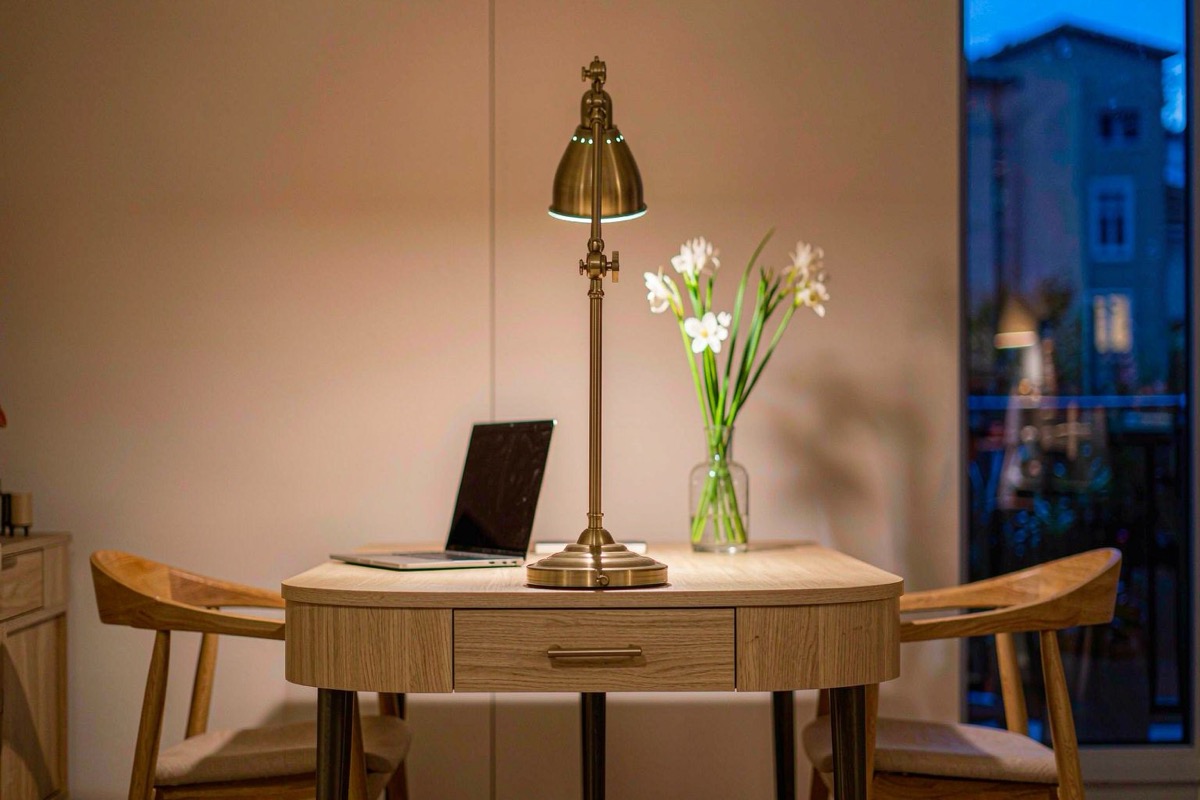
Home office lighting has a test most rooms never face: the desk is both a
workshop and a film set. Paper and screen compete for your eyes, the
monitor fights any light aimed the wrong way, and every afternoon call
audits your setup on camera. Most home offices fail all three at once,
and the signature is the same everywhere: a single ceiling fixture, a
squint, a face in shadow on Zoom. The fixes
are cheap and mechanical — position, not wattage.
Beat the screen, don't fight it
Glare is geometry. The monitor is a dark mirror, so any bright source
behind you or above a glossy display reflects straight into your eyes.
Two placement rules fix it: the desk lamp sits beside the monitor —
on your non-dominant side — throwing light across the desk, and windows
sit to your side, never directly behind the screen or behind your
back (the monitor-facing-window setup gives you a silhouette and a
lifetime of squinting). If you work with glossy screens, a matte display
film or a matte-wall backdrop buys more comfort than any bulb upgrade.
The layering logic that governs living room
lighting applies here in
miniature: no single source does the job, and the sources must agree.
Daylight: the first source you place
Before buying anything, decide what the window does. Daylight is the
strongest light source in the room by an order of magnitude, so it is
either the office's best ambient layer or its worst glare generator
depending on desk placement alone. Sidewall daylight gives even,
free illumination through the working morning; the same window behind
the monitor turns the screen into a black rectangle all afternoon.
Daylight moves, which is the part most setups ignore. The sun angle that
gives you clean side light in June lands directly on the monitor by
October. A plain roller blind or a pair of blackout
curtains mounted above the window
lets you cut the angle-dependent glare without losing the light on the
days it behaves. Sheer fabric beats full blackout for a working room:
you want the daylight tamed, not banished.
Task light: the 400-600 lumen zone
The task layer is the desk itself: 400 to 600 lumens from an adjustable
lamp, falling across the work surface — enough to make a paper
spreadsheet legible beside a bright screen, not so much that the desk
becomes an island of glare in a dim room. Adjustable arm lamps earn
their premium here: the ability to slide the light source six inches
left or right is the difference between lighting paperwork and lighting
your keyboard. Keep the color temperature at 2700-3000K for evening
work; the mechanism behind warm light feeling calmer is covered in the
color temperature guide.
The lamp's height matters as much as its position. A head set just above
monitor-bezel height throws light across the desk without washing the
screen; one set high and forward throws the display a bright hotspot you
will compensate for by turning the screen brightness up, which raises
eye strain instead of lowering it.
One more task-light test costs nothing: read a sheet of paper at the
far edge of the desk. If the far corner needs you to lean in or rotate
the page toward the lamp, the throw is too narrow, which is an
adjustable-arm problem rather than a lumen problem. Fixed-head lamps
that look elegant on a shelf often fail exactly here, because their
light lands in a tight circle a foot wide and leaves the rest of the
desk to the ceiling.
The video-call layer costs one lamp
On camera, lighting placement is the whole look. A soft source in front
of you — a window at your side-front, or a lamp bounced off the wall
behind the monitor — flattens shadows and reads as polished; a ceiling
fixture overhead reads as an interrogation, and a window behind you
reads as a silhouette. The cheapest upgrade in home-office lighting is a
second lamp (or the desk lamp swung forward) aimed at the wall in front
of you during calls, which turns the wall into a giant softbox. Warm
smart bulbs can automate it: one
scene at call time, no reaching behind monitors.
Ambient: the layer home offices skip
With task and call light handled, the ceiling still matters — it decides
whether the room feels like a workplace or a closet. The mistake is a
bare overhead fixture at full blast competing with the screen; the fix
is gentle, even ambient at roughly a third of the task layer's
brightness, ideally bounced off the ceiling or walls rather than aimed
at the desk. A dimmer makes the room tunable across the day — bright and
cool-leaning for morning admin, dim and warm by evening. Do the same
shadow audit you would in any room: sit in the chair, look for your own
shadow across the paperwork, and move the light that casts it. The
corridor outside the office door deserves the same attention — a dark
transition into a lit workspace reads worse than either extreme, and the
spacing rules in the hallway lighting
guide fix it in an afternoon.
After hours: the light has to leave too
When the workday ends, the room should change state. Screens at night
already push alertness the wrong way; overhead brightness that matches
noon extends the working day into the evening by default. Dim the
ambient layer to the hallway-and-tea range and let the task lamp go dark
with the laptop.
If the office doubles as a bedroom, this step stops being optional.
Work light in a sleeping room is the fastest way to ruin both the work
and the sleep, and the bedroom lighting
playbook covers how to keep the two
lives from sharing a bulb. A separate, dim, warm-only evening source —
one lamp, on the far side of the room from the desk — is enough to
remind your eyes that the shift is over.